
Use the Live Monitor
See how to share an auction on a computer or use your phone's rear camera, then read one card or the next five.
Four steps. There is no step one install — it runs in your browser.
No install, nothing to add to your browser. Open CompGenies, press Open Live Monitor, and you're ready.
Works in Chrome, Edge, Brave, Arc and Safari — on desktop and phone.
On a computer, share the tab or window your Whatnot, eBay Live or TikTok Live auction is playing in. On a phone, point the rear camera at the stream on any screen — or straight at cards in your hand.
Phones can't record their own screen, so the rear camera reads it for you.
Keep the card in the middle of the view. Press Read next card — or Read next 5 cards to work through a stack. Each card is read once, never twice.
Prefer to tap? Switch automatic scanning off in the app and read only when you press.
You get the card's current value, a low-to-high range, five recent price points, and an eBay sold link to double-check — so you know your walk-away number before the bidding gets loud.
Every card you've read is saved to your history so you can revisit it later.
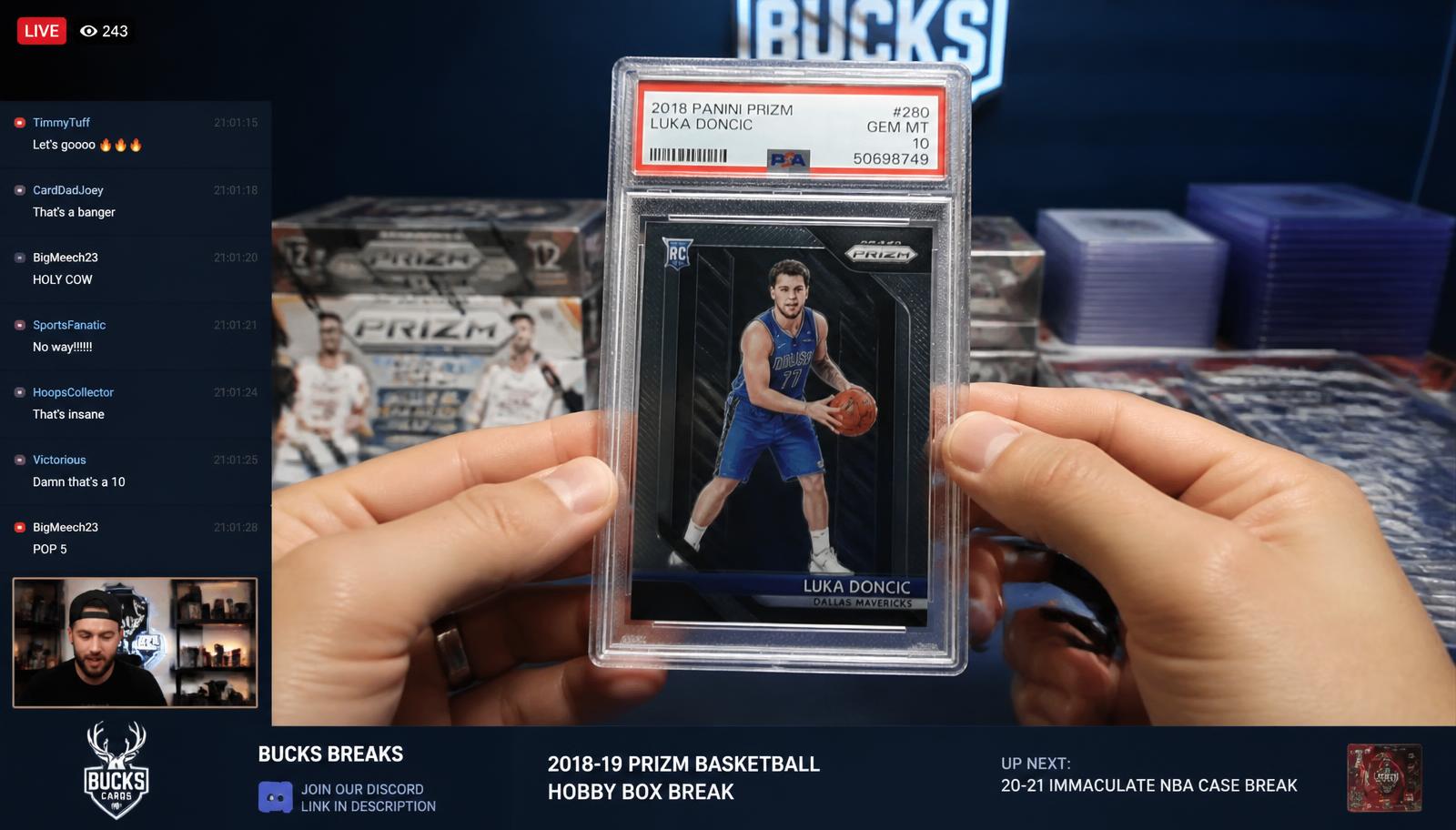
The card CompGenies read, its current value, the low–high range, and the five recent price points behind it. One click opens the full eBay sold search if you want to dig deeper.
Detected item
2018 Panini Prizm Luka Doncic #280 RC · PSA 10
Median sold
$812
Range
$725 – $950
On a computer you share the tab your auction is playing in. On a phone you point the rear camera at the stream — or at real cards in front of you. Same reading, same sold prices.
Best for watching a live auction and bidding at the same time. Chrome, Edge, Brave, Arc or Safari.
Best for streams playing on a TV or second screen, and for comping cards in person at a show or shop.
Phones can't record their own screen, so watch the auction on another screen and let the camera read it.
Tap through the walkthrough to see exactly what happens after you add a card — on your phone or on your computer.
On your phone, tap Add card and take a picture of the front of the card. On a computer, drop in a photo you already have. Raw cards and graded slabs both work.
The Live Monitor is all most people need. If you'd rather have a small panel pinned inside Whatnot, eBay Live and TikTok Live itself, there's also a Chrome extension that sits on the auction page.
Watch the narrated videos for the Live Monitor and Collection manager.
See how to share an auction on a computer or use your phone's rear camera, then read one card or the next five.
Add a card photo, check its details, record your cost, and follow its value and profit.